Social Media Login
Read 2 minutes
You can sign up for the service through social media. To do so, click one of the buttons with social media logos on the registration form or at the top of the website, where the login form is located. You will then be redirected to the registration page. The fields will be filled in with information from your account on the selected social network. All you have to do is confirm your registration. To use this feature, you’ll need an account on VKontakte, Odnoklassniki, Google+, or Facebook, or an email account (or any other account) on Yandex, Gmail, or Mail.ru.
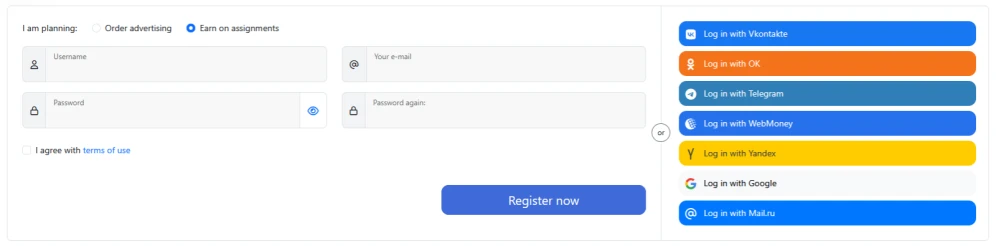
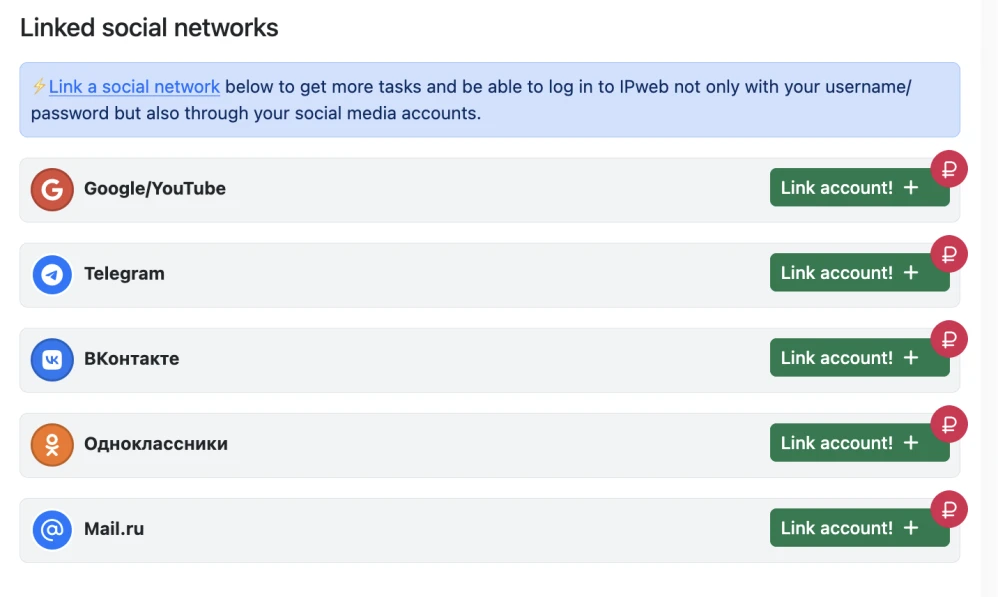
The system will create an account with a randomly generated password. Your username will be based on your ID or username on the social network. You can log in to this account with a single click on the button for your chosen social network (you won’t need to enter a username and password). You can change your password later in your personal account. Additionally, you can link an existing social media account to speed up the login process and eliminate the need to enter a username and password. To do this, log in to your account, select the “Social Networks” tab, choose the social network you want to use, log in, and then enter your current password to confirm the operation.
 IPweb
IPweb

Rate the material:
Rating: 3.55
out of 5.
Total ratings: 11.