VKontakte: Boosting notification subscribers
UPDATE: As of November 24, 2025, this task type has been archived.
If you want VKontakte users to subscribe not only to your group or public page, but also to notifications about its new posts— create an ad campaign titled “VK.com: Subscribe to Notifications
Using this type, along with other comprehensive types of ad campaigns, will give your promotion a more “natural” look. Users will subscribe to your group and to notifications about its new posts. Subscribers will receive notifications about your posts, which can increase interest in them and boost views.
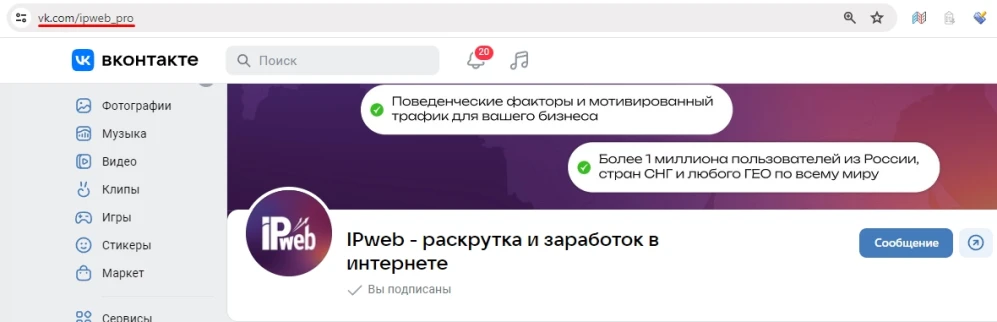
A link to the page might look like this:
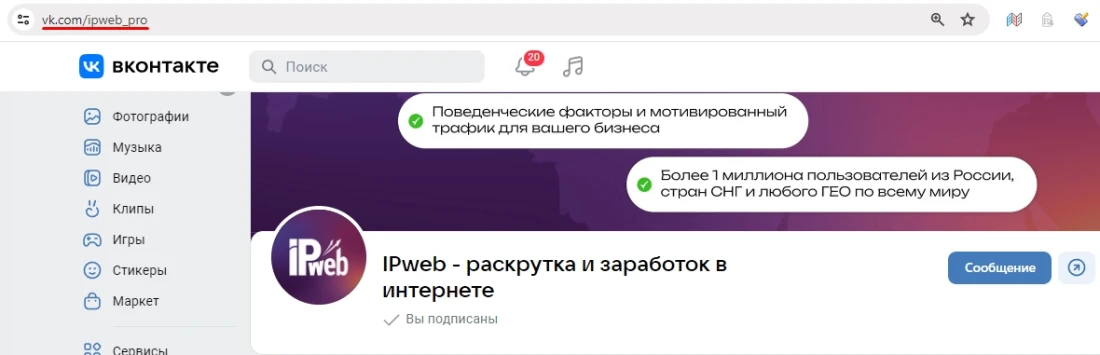
or like this:
To order an advertising campaign, copy the link to the group or public page in your browser.
Log in to your IPweb account. In the left-hand menu, click “Promotion” — “My Campaigns” — “Add Advertising Campaign” — “Social Media Actions” — «VK» — «VK.com: subscribe to notifications».
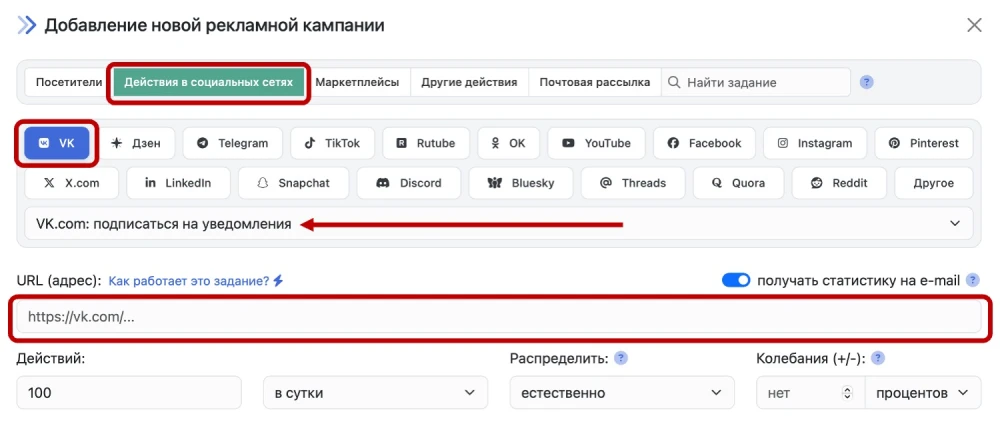
Enter the link to your group/community, the number of daily actions, and click the «Save» button.
The type of community (group or public page) does not matter, but we recommend making sure your community is open and that anyone can subscribe to notifications.
 IPweb
IPweb
Rate the material: