YouTube: likes boost
The "YouTube: like video" advertising campaign allows you to attract likes for your YouTube videos.
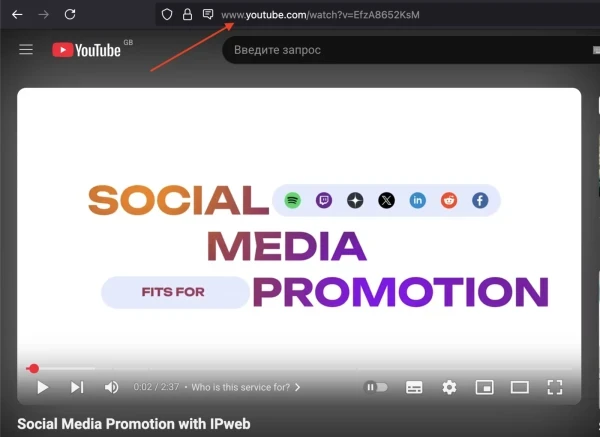
The link may look like this:
https://www.youtube.com/watch?v=jk6EvuEYZZ4
To order an advertising campaign, copy the link to the video from your browser.
Log in to your IPweb account. In the menu on the left, click "Promotion" - "My campaigns" - "Add an advertising campaign" - "Actions on social networks" - "YouTube" - "YouTube: like video".
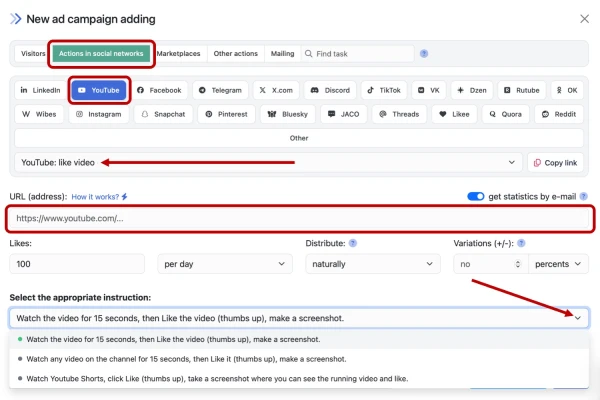
Enter the link to the YouTube video and the number of likes per day.
YouTube may write off some of the likes if they do not correspond to its statistical picture or typical user behavior. Users who are not active are at risk. As a result, we recommend creating and using complex tasks for the most "natural" promotion.
How to set up the geography of the issuance and other parameters of the advertising campaign tell here.
 IPweb
IPweb

Rate the material: