X.com: Buy Retweets
This ad campaign will help increase the number of reposts for a specific post or one of your most recent posts on your X.com (Twitter) profile.
If you want to increase the number of retweets for a specific post, include a link to it. If you include a link to your X profile, users will visit it and retweet any post of their choice. Most often, these will be your most recent posts.
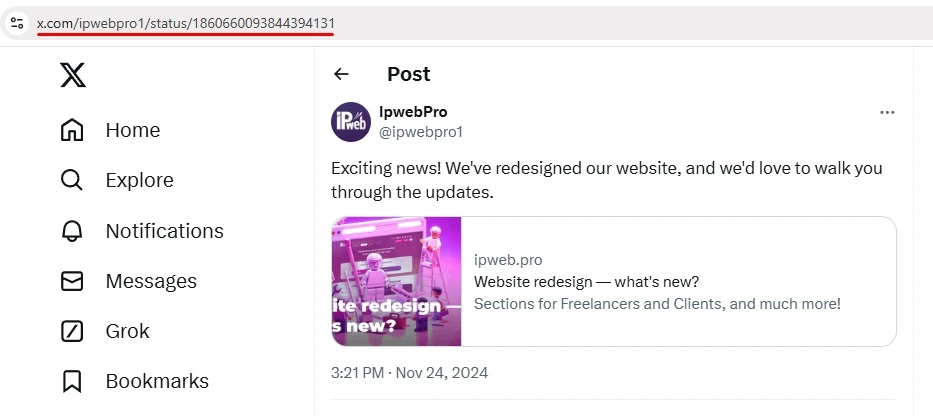
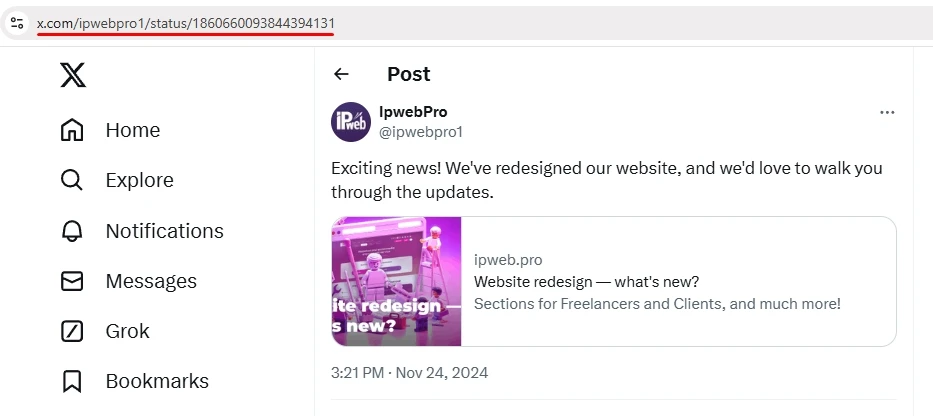
The link might look like this:
or like this:
If you want to promote your X profile consistently without extra effort on your part, include a link to your profile when creating an ad campaign; that way, you won’t have to create a separate ad campaign for each new post. Our contractors will independently select one of your posts and like it.
You can create this campaign in combination with the “X.com: Readers (Followers)” campaign. This will help make your promotion look more natural.
To order an ad campaign, copy the link to the post or profile on X from your browser.
Log in to your IPweb account. In the left-hand menu, click “Promotion” — “My Campaigns” — “Add Advertising Campaign” — “Social Media Actions” — “X.com” — “X.com: Retweets.”

Enter the desired link, specify the number of retweets for the desired period, and click the “Save” button. We explain how to configure other ad campaign settings here.
 IPweb
IPweb
Rate the material: