X.com: Buying Likes
Create an "X.com: Like" ad campaign to get likes for a specific post or any post published on your X.com (Twitter) profile.
You can include a link to a specific comment or post, or provide a link to your profile; users will then visit your profile and "like" any post they choose.
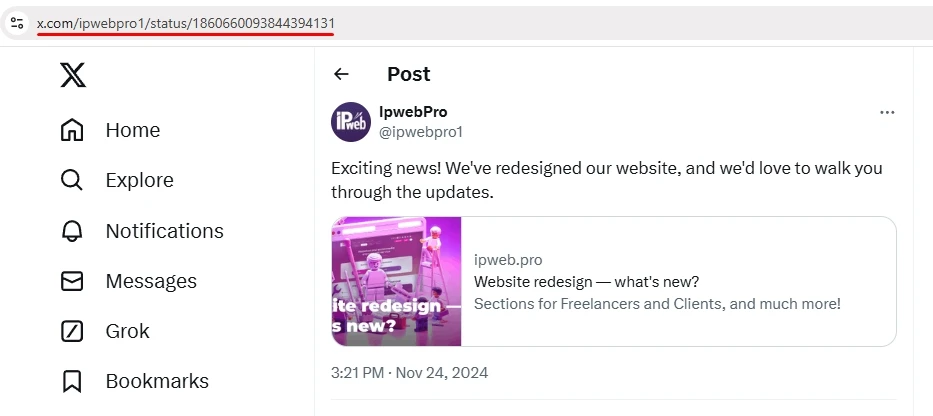
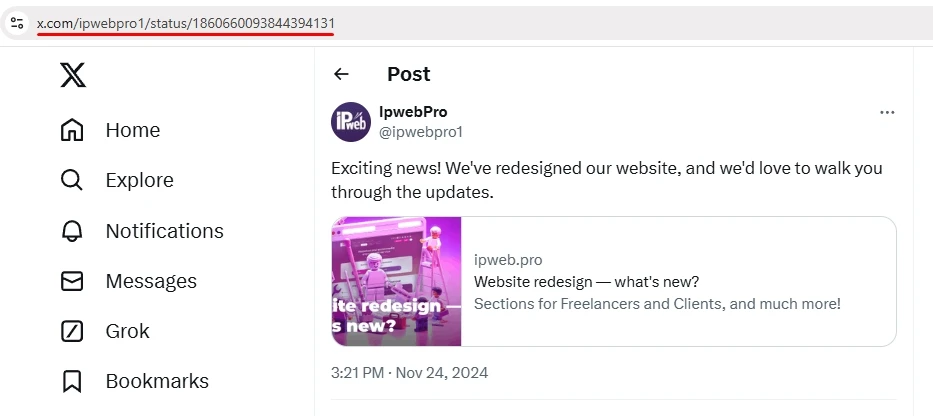
The link might look like this:
or like this:
If you want to promote your profile on X consistently without any extra effort on your part, include a link to your profile when creating an ad campaign—that way, you won’t have to create a separate ad campaign for every new post. Our contractors will independently select one of your posts (most likely one of your most recent ones) and like it.
You can create this type of campaign in combination with the “X.com: Readers (Followers)” campaign. This will help make your promotion look more natural.
To add an ad campaign, copy the link to the post or profile on X from your browser.
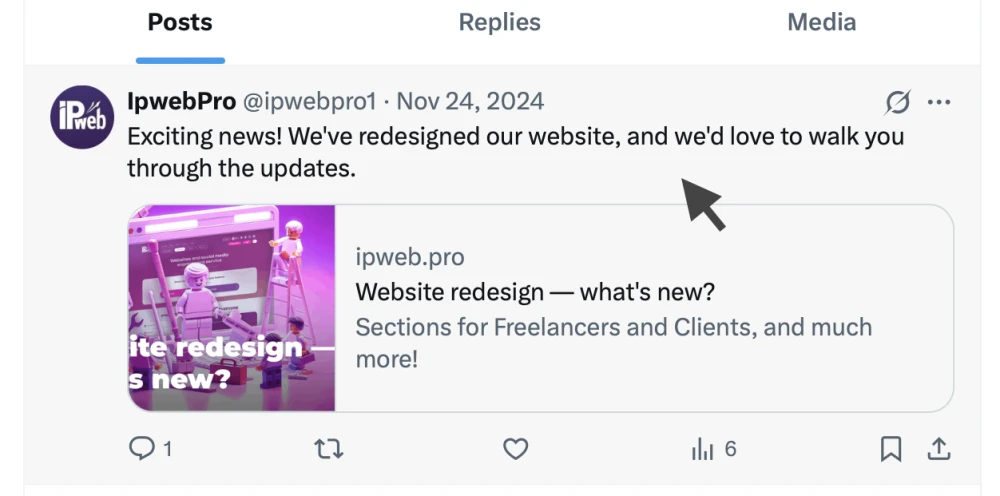
If you want a “Like” on a specific comment, you’ll need to open the post first:
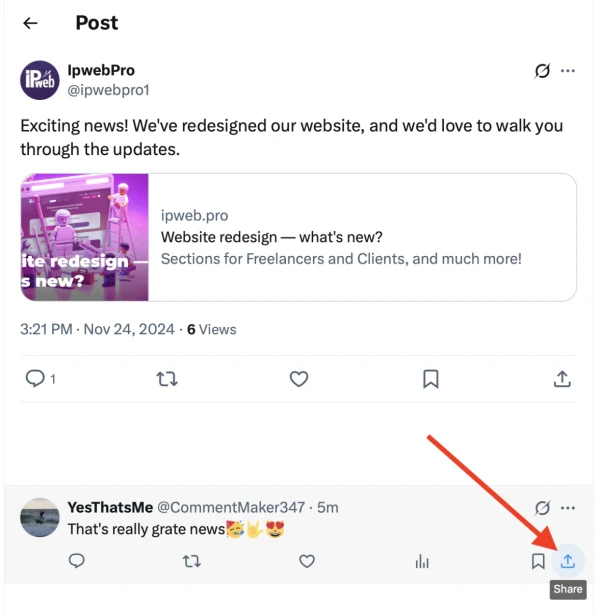
Then find the comment you want and click the “Share” icon for that comment:
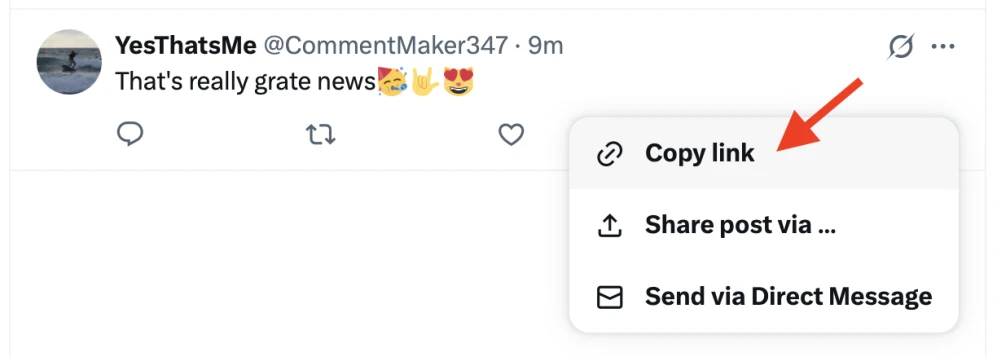
And copy the link:
Log in to your IPweb account. In the left-hand menu, click “Promotion” — “My Campaigns” — “Add Advertising Campaign” — “Social Media Actions” — “X.com” — “X.com: Likes.”

Paste the copied link into the “URL (address)” field, specify the number of likes for the desired time period, and click the “Save” button. We explain how to configure other ad campaign settings here.
 IPweb
IPweb
Rate the material: