Zen: Subscribe +
If you want your subscribers to be active on your Zen channel, you can use the comprehensive "Zen: Subscribe + Leave a Comment" campaign type. Participants will open the specified article or any article on the channel, comment on it, and subscribe to the channel.
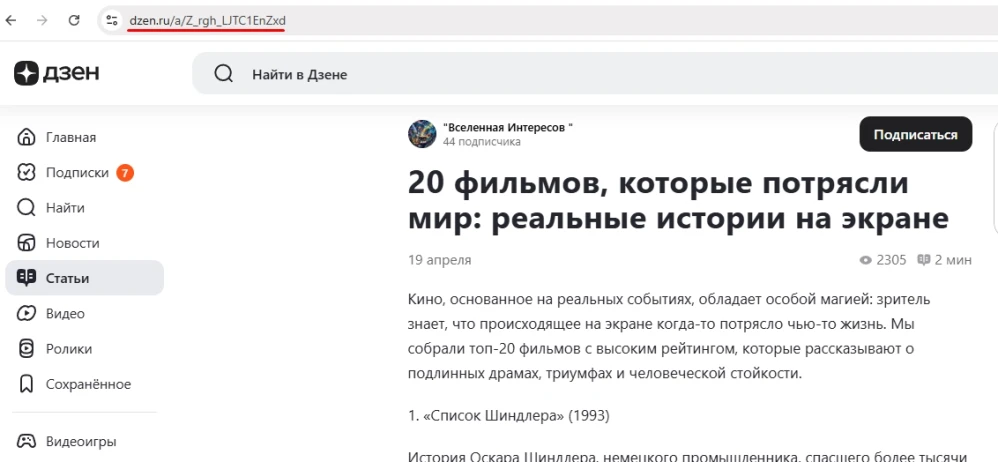
To create this ad campaign, you’ll need a link to the selected article or to the Zen channel. Copy it from your browser’s address bar.
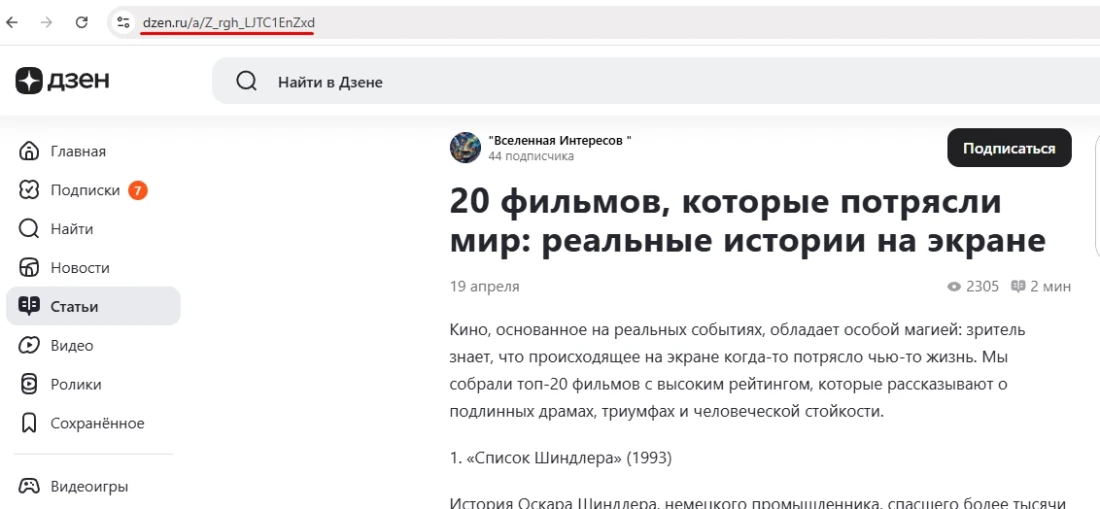
A link to an article might look like this:
A link to a channel looks like this:
Log in to your IPweb account. In the menu on the left, click “Promotion” → “My Campaigns” → “Add an Advertising Campaign” → “Social Media Actions” → “Zen” → “Zen: Subscribe + Leave a Comment.”
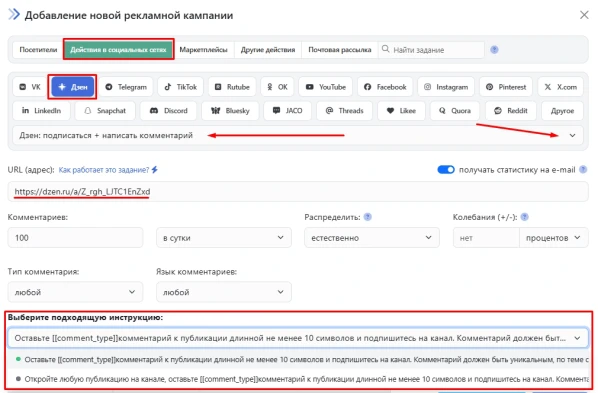
Enter the link to the article page or channel, the number of actions for the desired period, and select the appropriate instruction from the drop-down list.
Here you can also specify the type of comment (positive or negative) and select a language from the four system languages (Russian, English, Spanish, Portuguese). If these settings remain at their defaults, the task performer can comment in any language and with any emotion.
Please note that the choice of comment language is not geo-dependent. The task can be assigned to a contractor from any region. If you require the task to be localized, these conditions must be specified in the ad campaign settings on the “Geographic Targeting” tab.
Click the “Save” button.
When ordering followers, estimate what kind of user influx would look natural. Do not order more followers per day than the campaign or user currently has. If a page with 10–15 followers starts gaining 200 followers per day, this will raise suspicion and may result in penalties from the social network’s administration.
We explain how to configure other advertising campaign settings here.
 IPweb
IPweb
Rate the material: