Facebook: share link
Create a "Facebook: share link" ad campaign if you want your site to be shared on Facebook.
For this ad campaign to work, your site must have a Facebook Share widget.
Our performers visit your site, click the Facebook Share button and share a link to your site on the social network.
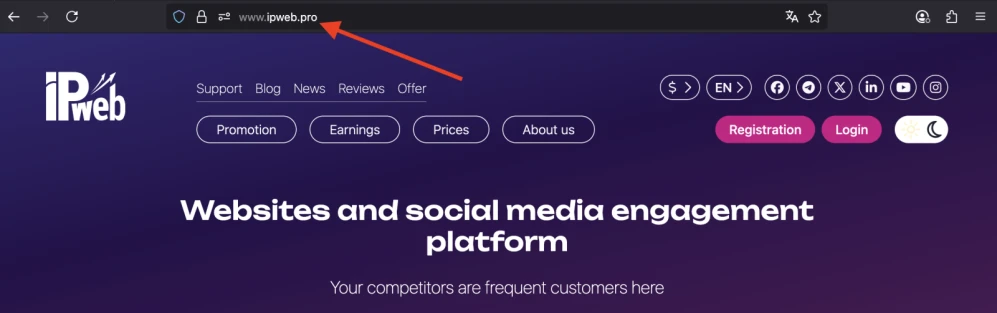
To create an ad campaign, copy the site link from the browser address bar.
The link may look like this:
https://www.ipweb.pro
Log in to your IPweb account. In the menu on the left, click "Promotion" - "My campaigns" - "Add an advertising campaign" - "Actions on social networks" - "Facebook" - "Facebook: share link".

Enter the site link and the number of reposts per day.
Promoting a video on YouTube via Facebook You can also create this ad campaign to promote a video on YouTube. Users will share your video from YouTube and publish a link to their Facebook. To do this, select this campaign type and use the link to your video as the URL.
Facebook takes information about the published page from your site, it will be better if you prepare the page for publication in advance. Set special parameters for the title, description and images for social networks. To do this, you will need to add the following tags to the page code in the section.
How to set up the geography of the issuance and other parameters of the advertising campaign tell here.
 IPweb
IPweb

Rate the material: