Github: fork repository
Read 1 minute
The "Github: fork repository" ad campaign will allow you to increase the number of branches of your Github repository.
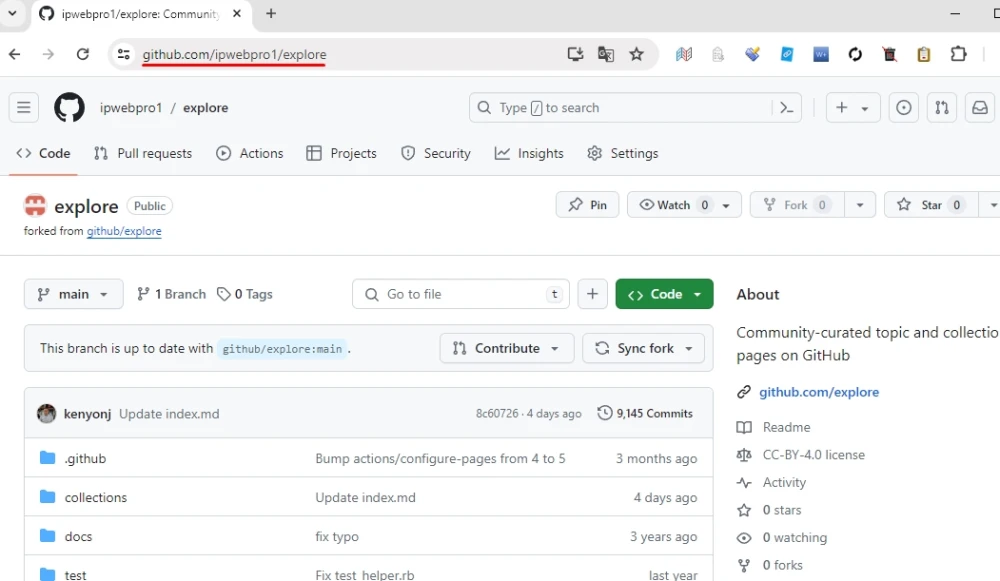
To create this ad campaign, you need a link to the repository in Github.
The link may look like this:
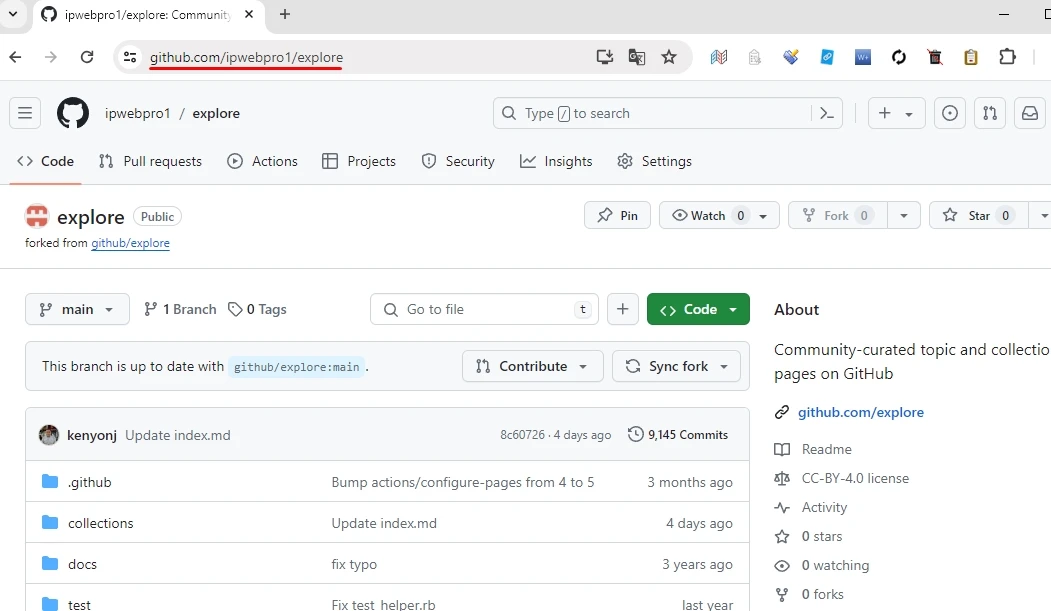
https://github.com/ipwebpro1/explore
Log in to your IPweb account. In the menu on the left, click "Promotion" - "My campaigns" - "Add an advertising campaign" - "Actions on social networks" - "Other" - "Github: fork repository".

How to set up the geography of the issuance and other parameters of the advertising campaign tell here.
 IPweb
IPweb
Rate the material:
Rating: 0
out of 5.
Total ratings: 0.