Buy reposts in social networks
If you want more users to share your resource in their social networks, you can create advertising campaigns:
Our performers will follow the link to your site and share it in their profiles in social networks.
As part of the advertising campaign "Share on any social network + send link", as confirmation of task completion, it is permissible to require from the performer not only a screenshot confirming the task completion, but also a link to the publication.
The link to the site may look like this:
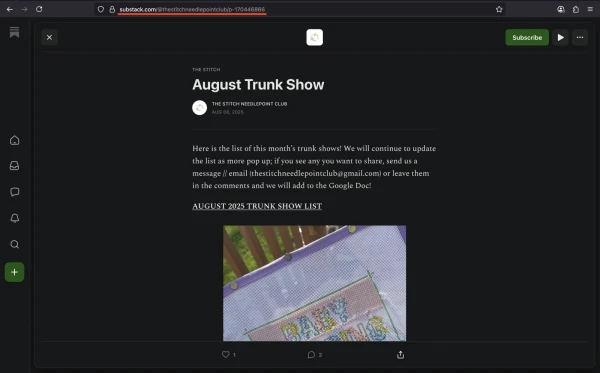
https://substack.com/@thestitchneedlepointclub/p-170446866
To create an advertising campaign, copy the link to the site from the browser address bar.
Log in to your IPweb account. In the menu on the left, click "Promotion" - "My campaigns" - "Add an advertising campaign" - "Actions on social networks" - "Other" - "Share on any social network" or "Share on any social network + send link".

Insert a link to the site, specify the number of executions per day and change the instructions - write what exactly needs to be shared. Click the "Save" button.
If you choose the advertising campaign "Share on any social network + send link", do not forget to write detailed instructions for performers.
The instructions should be detailed, clear and concise, then the performers will take on the task more often, and the moderators will quickly check the screenshots for correct execution. In this case, you will be able to get a more expected and predictable result.
You can independently check the execution of the advertising campaign "Share on any social network + send a link". This function becomes available after a corresponding request to the Support Service. We recommend regularly checking the completion of tasks and, in case of incorrect completion of the task by the performer, sending the task for revision with the corresponding comment.
How to set up the geography of the issuance and other parameters of the advertising campaign tell here.
Order AD campaign Share on any social networkOrder AD campaign Share on any social network + send link
 IPweb
IPweb

Rate the material: