Boosting video/broadcast views
This type of advertising campaign is designed to watch videos or broadcasts on resources that do not fit into the framework of the "usual" circle of social networks.
You can create advertising campaigns:
- Watch video/broadcast [2.5 minutes]
- Watch video/broadcast [5 minutes]
- Watch video/broadcast [15 minutes]
Our performers will watch your video/broadcast for 2.5, 5 or 15 minutes on any resources that do not require registration or authorization. Please note that with the help of this advertising campaign, not only the number of video views increases, but also the number of visits to the site page increases.
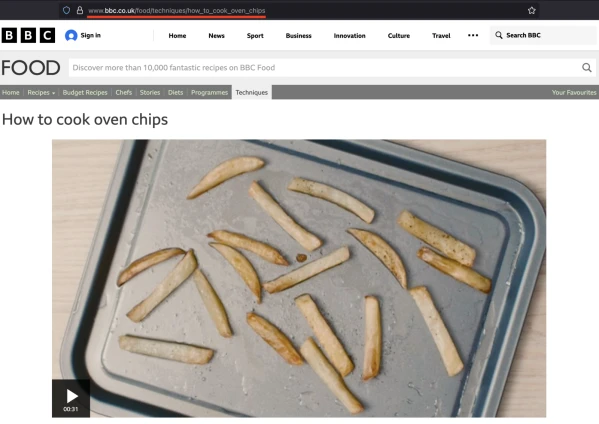
For example, the link will look like this:
https://www.bbc.co.uk/food/techniques/how_to_cook_oven_chips
To order an advertising campaign, copy the link to the site page where the video is located in the browser.
Log in to your IPweb account. In the menu on the left, click "Promotion" - "My campaigns" - "Add an advertising campaign" - "Actions on social networks" - "Other" - "Watch video/broadcast".

Enter the link to the resource page, the number of views per day, select the appropriate instruction from the drop-down list and click the "Save" button.
How to set up the geography of the issuance and other parameters of the advertising campaign tell here.
 IPweb
IPweb

Rate the material: