Comprehensive Assignments on RUTUBE
To significantly improve the performance of your channel or specific videos on RUTUBE, we recommend creating comprehensive tasks. These involve the user performing several actions in sequence: for example, first they watch a video, then they like it, and then they subscribe to the channel. This looks as natural as possible: first, a visitor to the video hosting site watched the video, liked it, reacted to it, and then decided to subscribe as well so as not to miss the channel’s latest content.
Depending on the required viewing time, there are two types of such advertising campaigns:
- “RUTUBE: watch the video [2.5 minutes], like it, subscribe to the channel”—the participant will watch the video for 2 minutes and 30 seconds, give it a like, subscribe to the channel, and confirm their action with a screenshot.
- “RUTUBE: Watch the video [5 minutes], like it, subscribe to the channel”—the performer will watch the video for 5 minutes, like it, subscribe to the channel, and take a screenshot of their completion.
In these advertising campaigns, you can order actions on a specific video or on a channel (in this case, users will complete the task on any video from the channel).
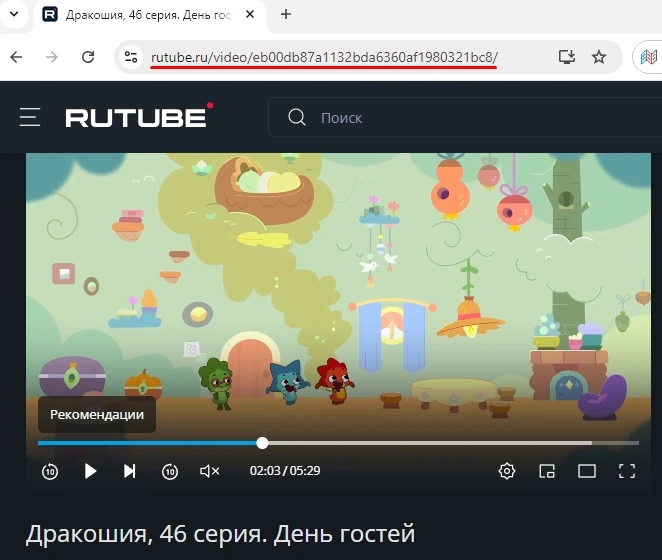
To create a campaign, copy the link to the video or channel from your browser’s address bar.
The link to the page might look like this:
or like this:
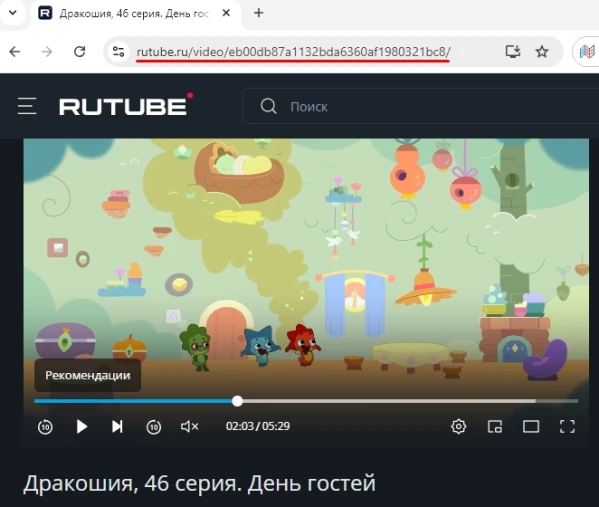
Log in to your IPweb account. In the left-hand menu, click “Promotion” → “My Campaigns” → “Add an Advertising Campaign” → “Social Media Actions” → "RUTUBE" → "RUTUBE: Watch a video [2.5 minutes], like, subscribe to the channel" (or "RUTUBE: Watch a video [5 minutes], like, subscribe to the channel").

Enter the link to the video or channel, the number of completions for the desired period, and select the appropriate instruction from the drop-down list. Here, you can also configure the “Probability of the Next Action.” This means that in the specified percentage of cases, users will proceed to the next step in completing the complex task. For example, if the task is “watch a video, like it, and subscribe” and the probability is set to 20%, then out of 100 users, 20 will complete two actions, 4 will complete all three, and 76 will only watch the video. These settings greatly improve the natural flow of the promotion, as not every RUTUBE user who watches a video will then rate it and subscribe to the channel. Read more about how to properly promote your content on social media in this article.

Click the “Save” button. The campaign will immediately be sent for moderation and will launch once it passes review.
We explain how to set up geographic targeting and other advertising campaign parameters here.
Launch a RUTUBE ad campaign: watch a video [2.5 minutes], like it, and subscribe to the channel
Launch a RUTUBE ad campaign: watch a video [5 minutes], like it, and subscribe to the channel
 IPweb
IPweb
Rate the material: