Telegram: launch the bot + fulfill all conditions
As part of this advertising campaign, you can order the launch of a bot with the execution of the required actions in Telegram.
The task provides for the execution of actions in no more than two social networks (including Telegram itself): no more than two subscriptions + two other actions (like, retweet, joining a chat, etc.).
The link will look like this:
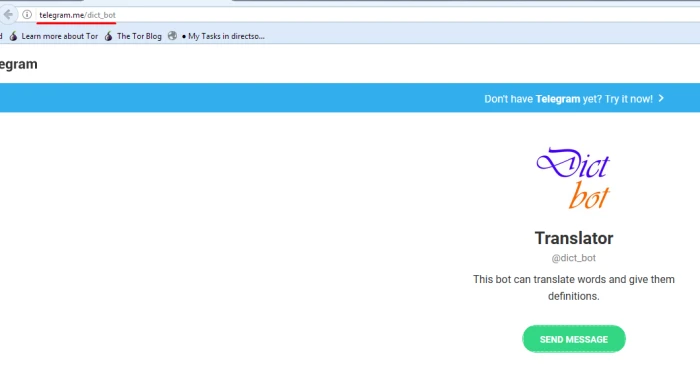
https://t.me/dict_bot
Copy the link to the bot in Telegram, as in our screenshot:
Log in to your IPweb account. In the menu on the left, click "Promotion" - "My campaigns" - "Add an advertising campaign" - "Actions on social networks" - "Telegram" - "Telegram: launch the bot + fulfill all conditions".

Enter the link to the bot in Telegram, the number of executions per day and change the instructions if necessary.
How to set up the geography of the issuance and other parameters of the advertising campaign tell here.
Order AD campaign Telegram: launch the bot + fulfill all conditions
 IPweb
IPweb
Rate the material: