VK Video: Boosting Video Likes
The “VK Video: Like” advertising campaign will help you increase the number of likes on videos on your VK Video channel.
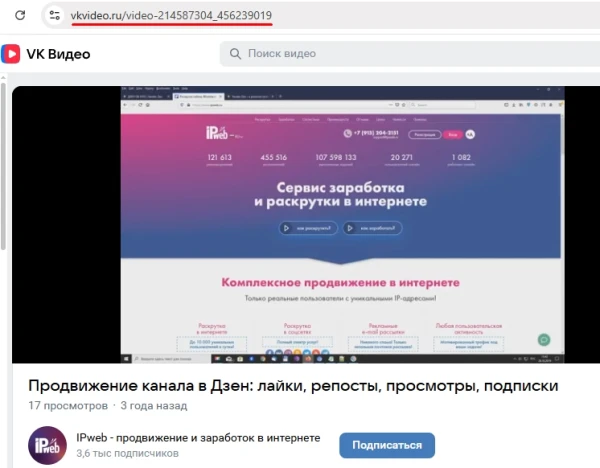
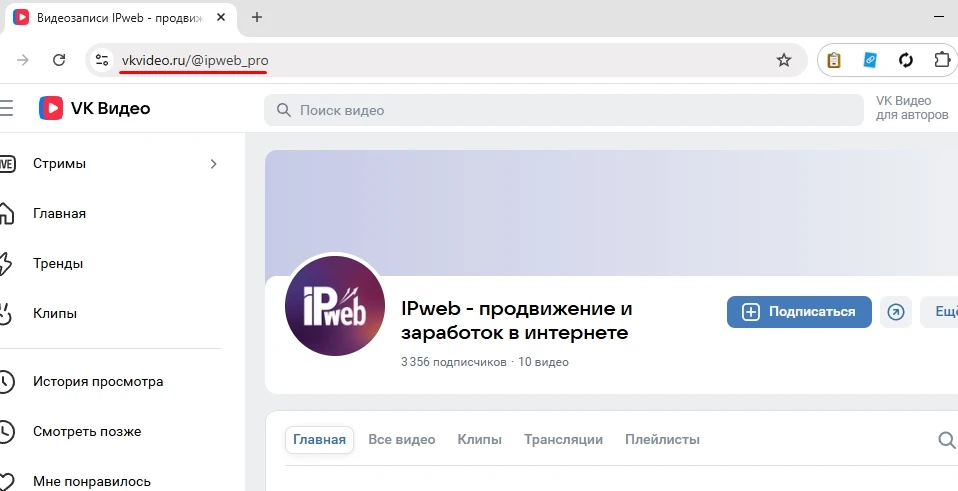
To create a campaign, you’ll need a link to a specific video or VK Video channel if you want to get likes on any video.
A link to a video might look like this:
https://vkvideo.ru/video-214587304_456239019
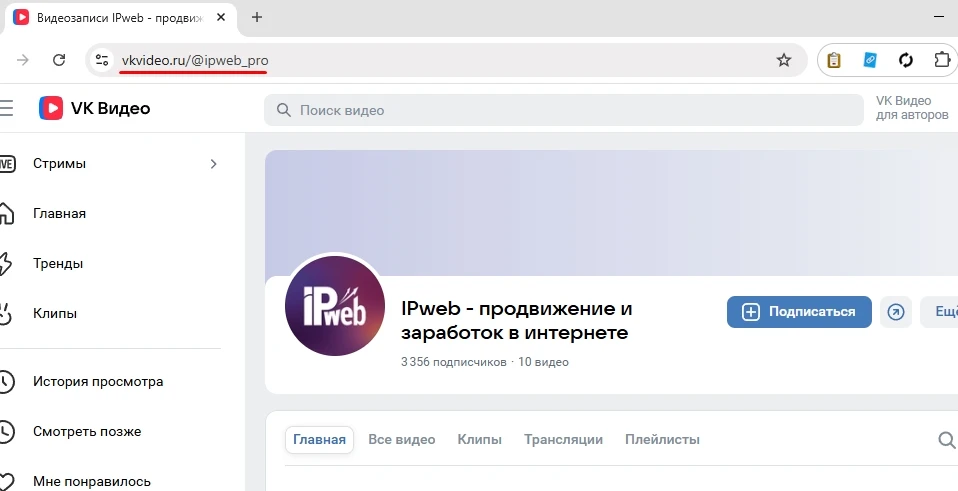
A link to a channel looks like this:
https://vkvideo.ru/@ipweb_pro
Log in to your IPweb account. In the left-hand menu, click “Promotion” → “My Campaigns” → “Add an Advertising Campaign” → “Social Media Actions” → “VK Video” → “VK Video: Likes.”

Enter the link to the video or channel page, the number of likes for the desired period, select the appropriate instruction from the drop-down list, and click the “Save” button.
We explain how to configure other ad campaign settings here.
 IPweb
IPweb
Rate the material: