VK Video: Buy Video Reposts
VK Video is VKontakte’s unified platform for watching video content. Its library features movies, TV series, shows, and live streams from VKontakte, Odnoklassniki, Zen, and other platforms. We suggest running an advertising campaign to increase the number of reposts and make your channel on VK Video more popular.
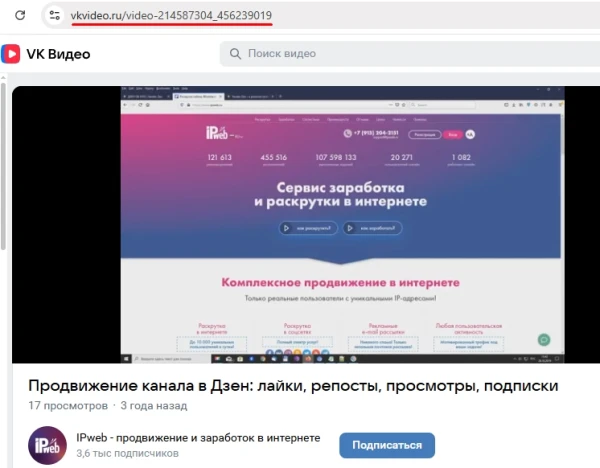
To promote a video from your channel, copy the link to it from your browser’s address bar.
The link to the page might look like this:
https://vkvideo.ru/video-214587304_456239019
Log in to your IPweb account. In the left-hand menu, click “Promotion” → “My Campaigns” → “Add Advertising Campaign” → “Social Media Actions” → “VK Video” → “VK Video: Share.”

Enter the link to your channel, the number of reposts for the desired period, and click the “Save” button. The campaign will immediately be sent for moderation and will launch after it passes review.
We explain how to set up targeting by location and other ad campaign settings here.
 IPweb
IPweb

Rate the material: