YouTube: report video
The advertising campaign "YouTube: report video" was created so that a YouTube user could quickly convey information to the administration of the video hosting service if he found a video that violates the rules of the service.
A special program monitors compliance with the rules of the service, which works according to a pre-set algorithm of artificial intelligence, but it is not always able to block a video or even a channel of the violator. Especially for this, the YouTube administration allowed users to independently find videos or channels that violate the rules of the service and send a complaint about them, after which the administration will deal with it. Depending on the severity of the violation of the rules, the author may receive a warning or some sanctions. Numerous user complaints about a video or channel can ultimately lead to blocking or deletion of this material.
If you believe that a video or channel violates the rules of the service, and your complaints are ignored or the administration weakly responds to these complaints, then you can order the advertising campaign "YouTube: report a video".
The link may look like this:
https://www.youtube.com/watch?v=tr63wY7WB1I
Or like this:
https://youtu.be/tr63wY7WB1I
To order an advertising campaign, copy the link to the video or channel in the browser.
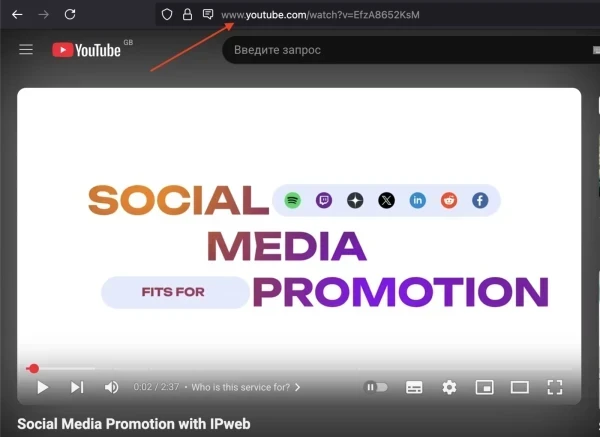
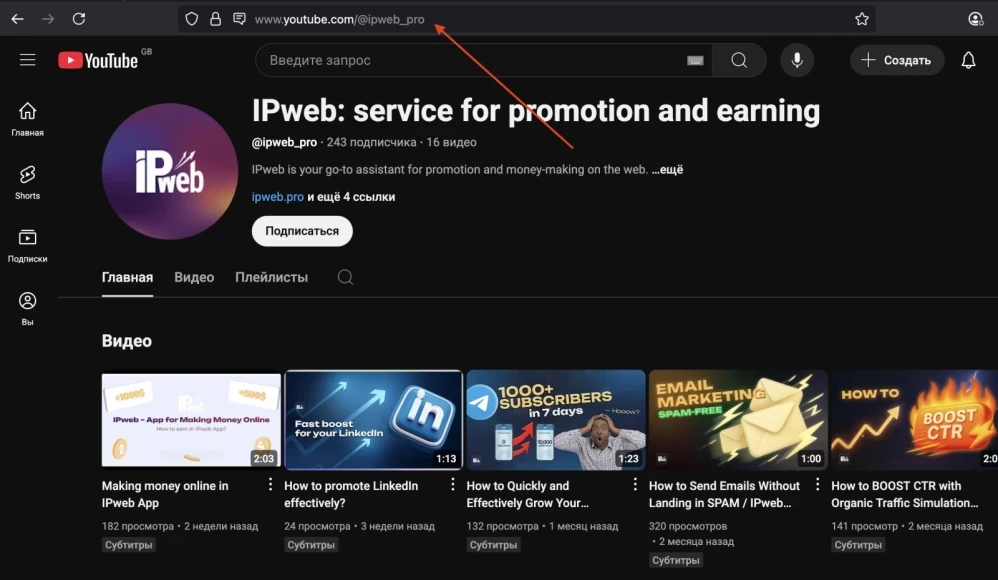
Log in to your IPweb account. In the menu on the left, click "Promotion" - "My campaigns" - "Add an advertising campaign" - "Actions on social networks" - "YouTube" - "YouTube: report video".
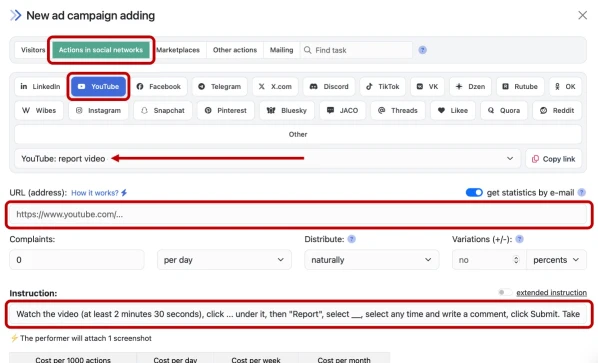
Enter the link to the resource page, fill out the instructions for completing the task and the number of complaints per day.
In the instructions, indicate which symbol under the video indicates the "Complain" item (ellipsis or checkbox). Describe in detail the algorithm for filing a complaint, select the items that actually exist in the "Complain" form for the video. For example:
"....select "Harmful or dangerous actions", then "Other dangerous actions", check the box "Violation concerns links", click Next..."
It is permissible to shorten some words without losing the meaning of the instruction.
Click the "Save" button.
You should not create tasks with unfounded complaints. The fact is that if there are too many false complaints, the administration of the video hosting will definitely pay attention to this and take retaliatory actions against users. As a result, performers will refuse to perform such tasks.
How to set up the geography of the issuance and other parameters of the advertising campaign tell here.
 IPweb
IPweb

Rate the material: